
Customized
Customized Industrial Hardware Programs
Design around your deployment, not around a stock SKU.
ZK develops industrial computers, touchscreen systems, outdoor displays, and kiosk hardware around your deployment constraints, brand requirements, and engineering timeline.
- 500+ project deliveries
- 120+ certifications and patents
- 30+ partner markets served

Program Snapshot
- Program scopeIndustrial PCs, touch monitors, kiosks, outdoor units
- Typical inputsDimensions, environment, OS, I/O, peripherals, volume
- Output focusA production-minded hardware direction, not just a concept mockup
What can be customized
Shape the hardware around your environment, workflow, and brand requirements.
Build around real deployment constraints
Select enclosure format, compute platform, touch technology, mounting, ports, and thermal strategy based on where the unit will actually operate.
Align the device with your customer-facing experience
Front glass, colors, silk print, camera position, payment opening, scanner angle, and interface details can all be coordinated with your industrial design.
Reduce integration and field-risk early
Prototype review, interface confirmation, environmental checks, and accessory fitment are handled before volume rollout so surprises happen sooner, not later.
Move from prototype to repeatable production
Support extends beyond a one-off sample to pilot build, documentation, packaging, and production rhythm that your team can scale with confidence.
Panel PCTouch monitorOutdoor displaySelf-service kioskIntel or ARM platformWindows / Android / LinuxCamera / scanner / RFIDPrinter / payment cutoutSunlight readabilityIP / IK protectionCustom I/O layoutBranding and silk print
When customization makes sense
Typical project signals that point beyond a standard catalog model.
- You need a form factor that standard catalog models do not cover.
- Your deployment includes strict mounting, cabling, or maintenance constraints.
- Peripheral layout has to match your workflow instead of forcing a compromise.
- Brand appearance, enclosure finish, or front UI needs to stay consistent across markets.
- Environmental demands such as brightness, sealing, temperature, or impact rating are non-negotiable.
- You want a supplier that can support pilot and production instead of only a single engineering sample.
How the project moves forward
A practical five-step workflow from initial brief to production release.
-
01
Define the brief
Share screen size, environment, I/O, OS, peripherals, and target volume.
-
02
Engineer the platform
We map enclosure, mainboard, display, touch stack, and accessory layout into a workable hardware direction.
-
03
Prototype and refine
Mechanical details, branding, fitment, and integration points are reviewed in sample stage.
-
04
Validate for rollout
The program is checked against installation, test, and deployment requirements before pilot production.
-
05
Scale the release
Pilot, production, packaging, and shipment cadence are aligned with your commercial schedule.
Application inspiration
See the kinds of deployments where tailored industrial hardware creates a better fit.
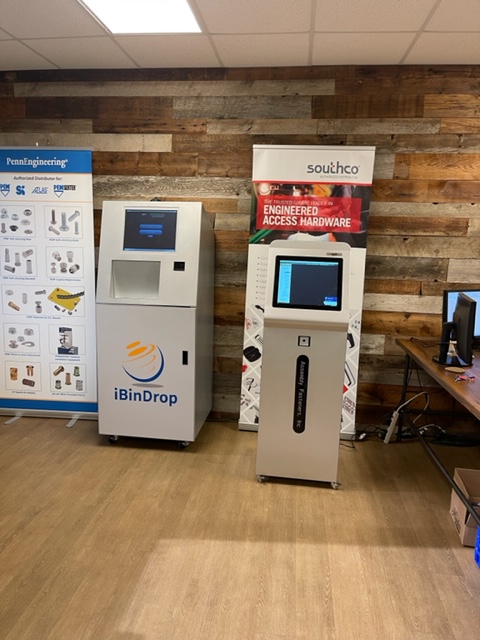
Supler slim stainless steel kiosk
T6 supler slim stainless steel kiosk
View application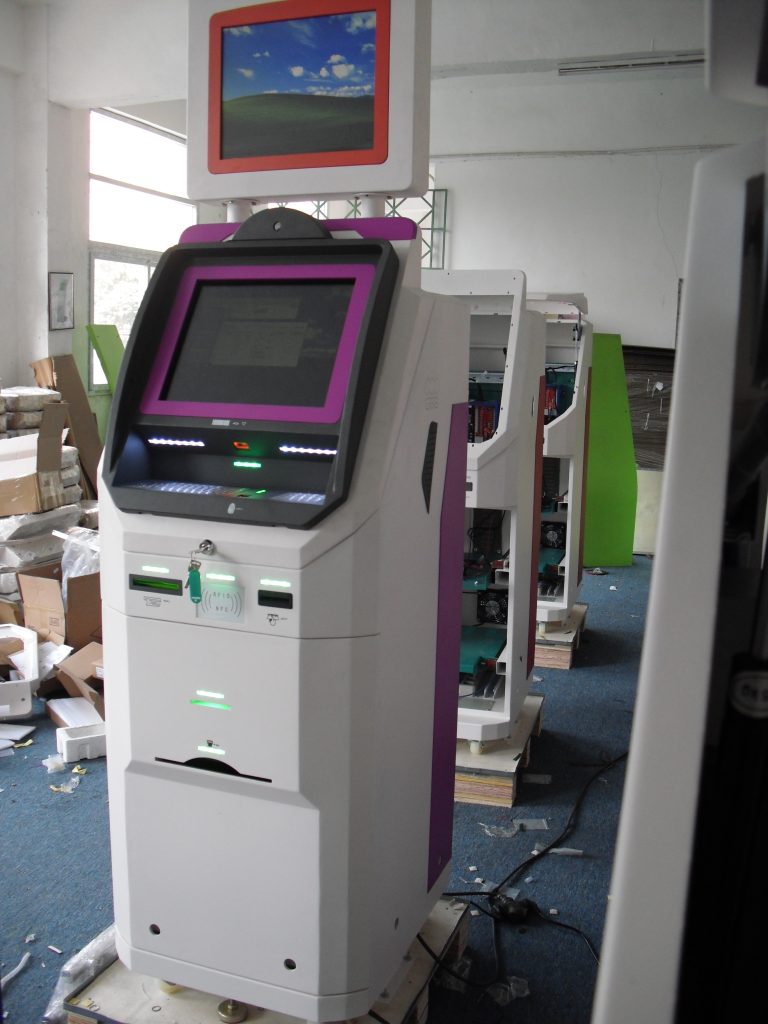
Dual screen kiosk
AD16 dual screen kiosk
View application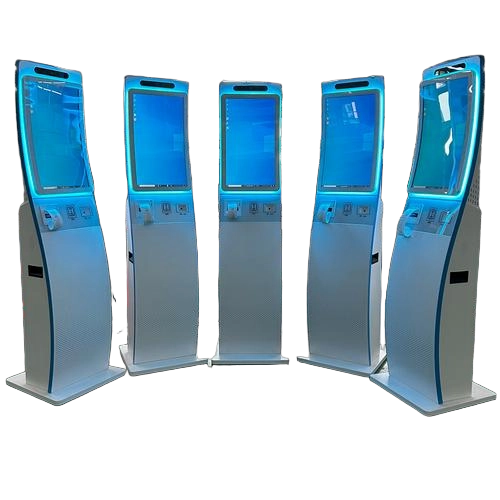
Curved touchscreen QMS kiosks
H1 curved touchscreen QMS kiosks
View application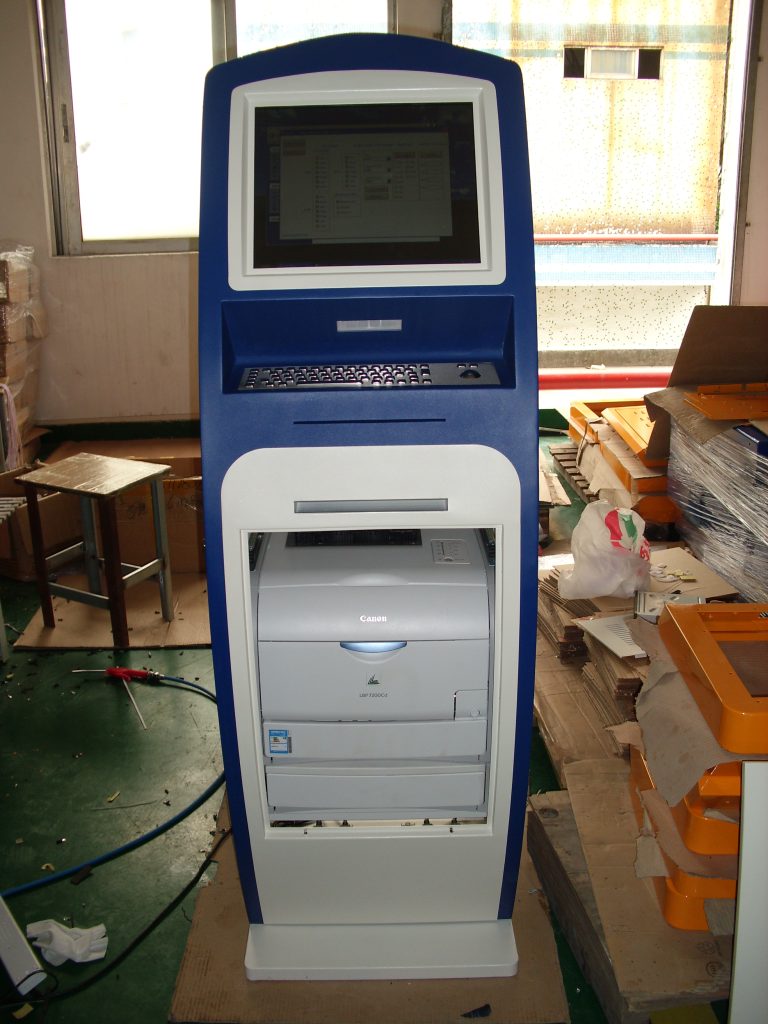
Internet kiosk with A4 laser printer
H3 Internet kiosk with A4 laser printer
View application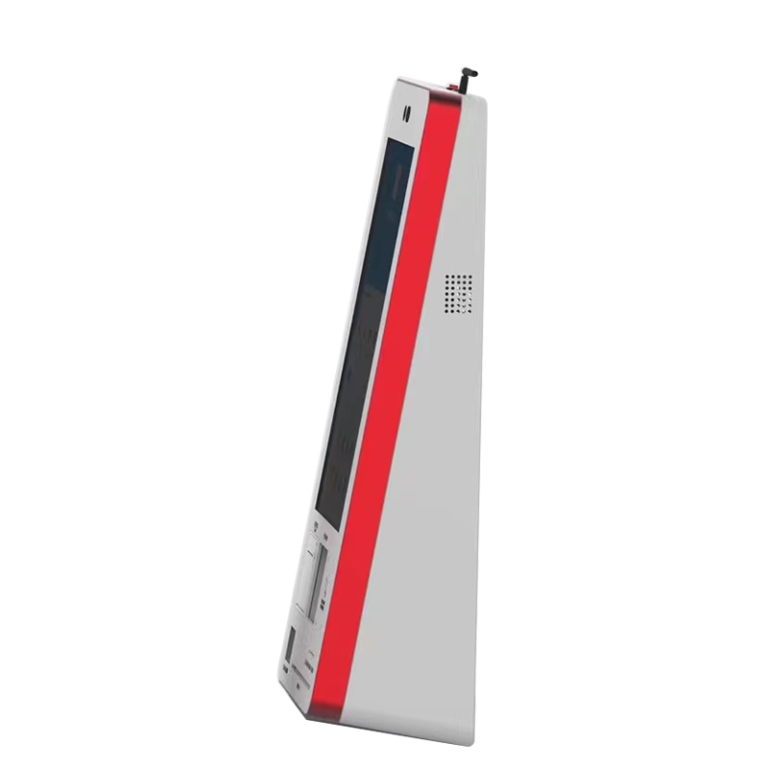
Desktop self ordering kiosk
Desktop self ordering kiosk
View application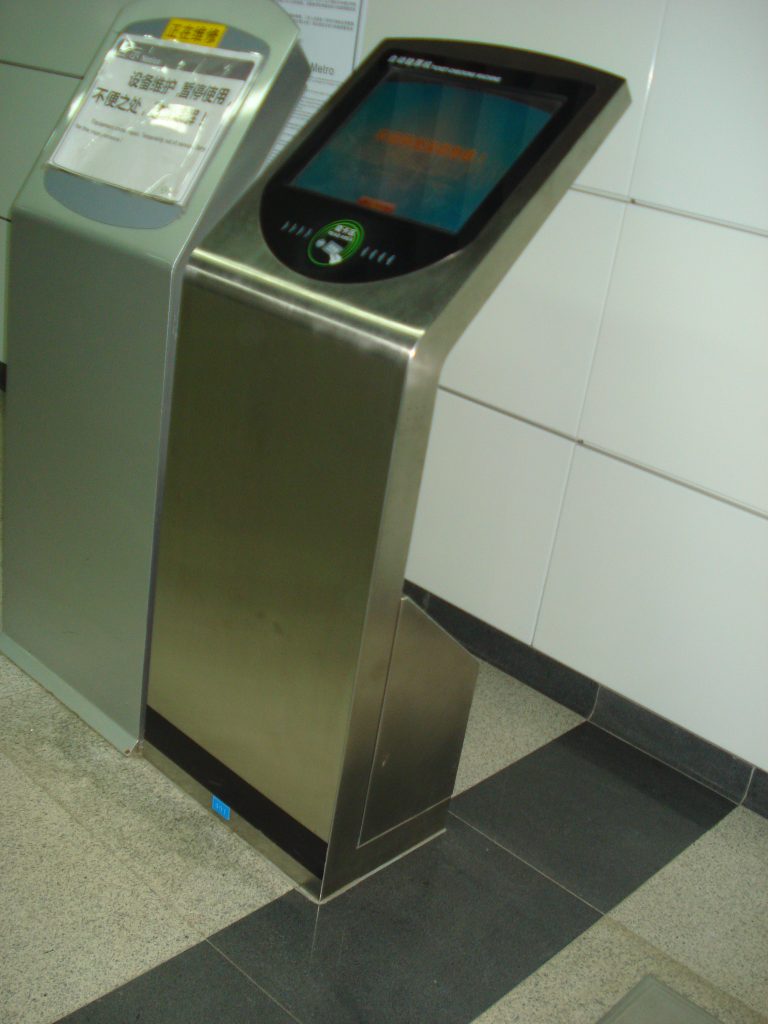
Stainless steel information kiosk in public
S1 stainless steel information kiosk in public
View application
Key configuration layers
Define the critical modules early so engineering starts from a usable brief.
Panel PCTouch monitorOutdoor displaySelf-service kioskIntel or ARM platformWindows / Android / LinuxCamera / scanner / RFIDPrinter / payment cutoutSunlight readabilityIP / IK protectionCustom I/O layoutBranding and silk print
Program deliverables
Know what the engagement is expected to produce before volume rollout.
- Mechanical and layout recommendation
- Display and touch stack selection
- Peripheral and I/O integration review
- Prototype coordination and iteration
- Production-ready specification alignment
- Support for pilot build and scaled delivery
Qualification and trust
Relevant certification references help reduce uncertainty during specification review.

CCC

CE

FCC

IP65
Ready to discuss specifications?
Send the rough brief first. The exact configuration can be refined with engineering.
Useful starting inputs: target size, operating environment, CPU platform, I/O, peripherals, certification target, and expected volume.